GUIDES & SUPPORT
GET STARTED EASILY.

DIGITAL BANKING RESOURCES.
DIGITAL GUIDES & RESOURCES.
HOW TO VIDEOS.

FREQUENTLY ASKED QUESTIONS.
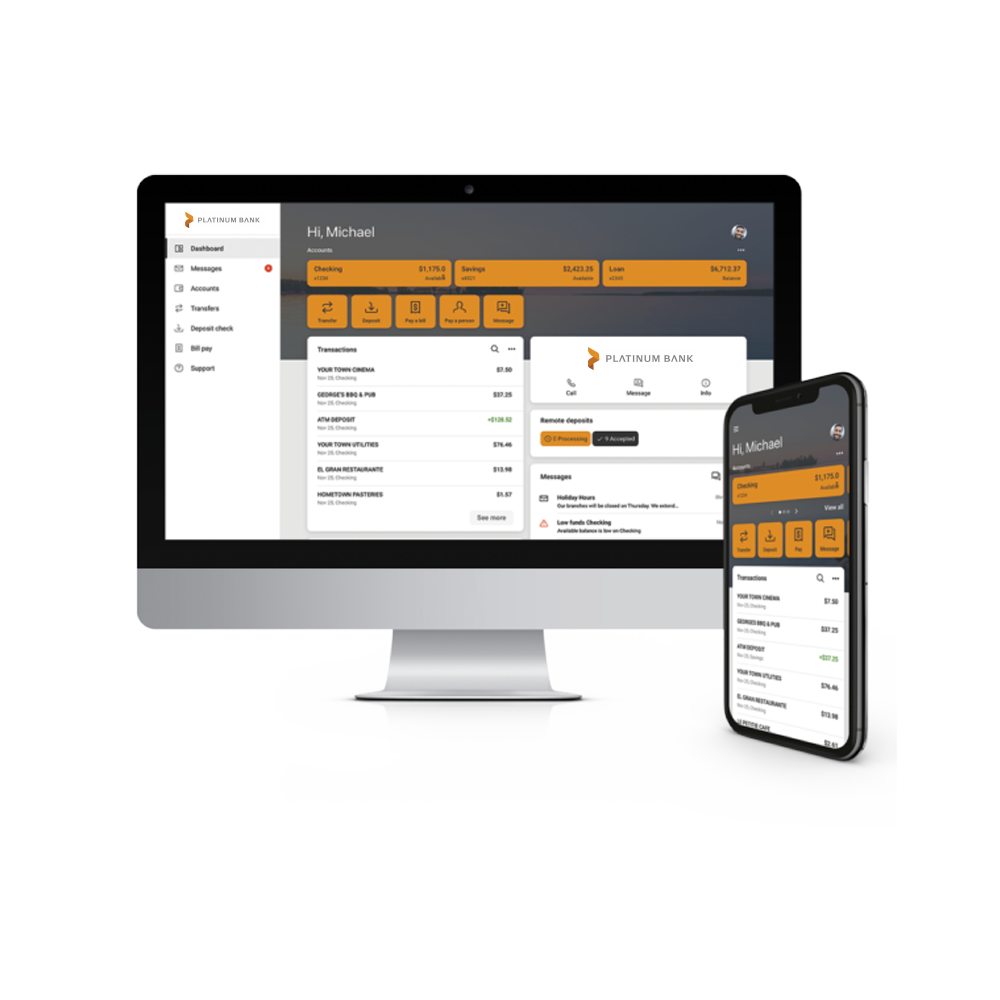
You can simply log in to your account online or on your Platinum Bank Mobile App. If you don’t have the app yet, you can download it from the App Store® or Google Play™ today.
- Enter your username and password. If you don’t know your login credentials, give us a call! 651.332.5200
- Choose your authentication method for 2-step verification.
- Follow the on-screen prompts.
- Read and accept the user agreement.
- Choose an account from the Dashboard > eStatements > Sign Up/Changes
- Verify the email address listed on the enrollment document.
- Read through the disclosures. Once you’ve read through, you can check the box to agree to the listed terms.
- An enrollment confirmation will then pop up. Click “OK”.
- Select which accounts you would like to enroll in e-statements. If you would like all accounts enrolled, select “Enroll All Available Accounts and Document Types Shown”.
- Save your settings on the final screen. You are now enrolled in e-statements!
- Future accounts may need to be enrolled separately.
- Navigate to Remote Deposit option found on the menu or the Deposit Checks menu option on our mobile app.
- Select the option to Enroll another account.
- Select the account(s) you would like to enroll.
- You will then be notified that your enrollment has been submitted and will receive a notification when your account has been approved.
- If you would like to enroll another account, repeat the same process by clicking “Enroll another account”.

